 Image 1 of 4
 Image 2 of 4
 Image 3 of 4
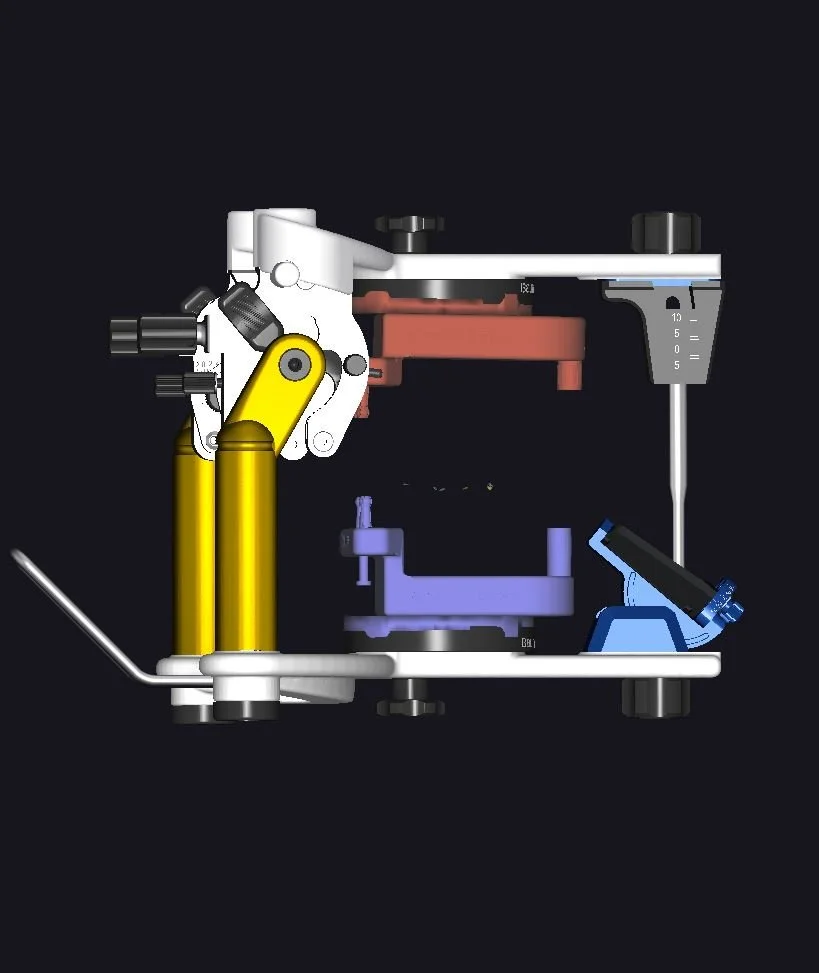 Image 4 of 4
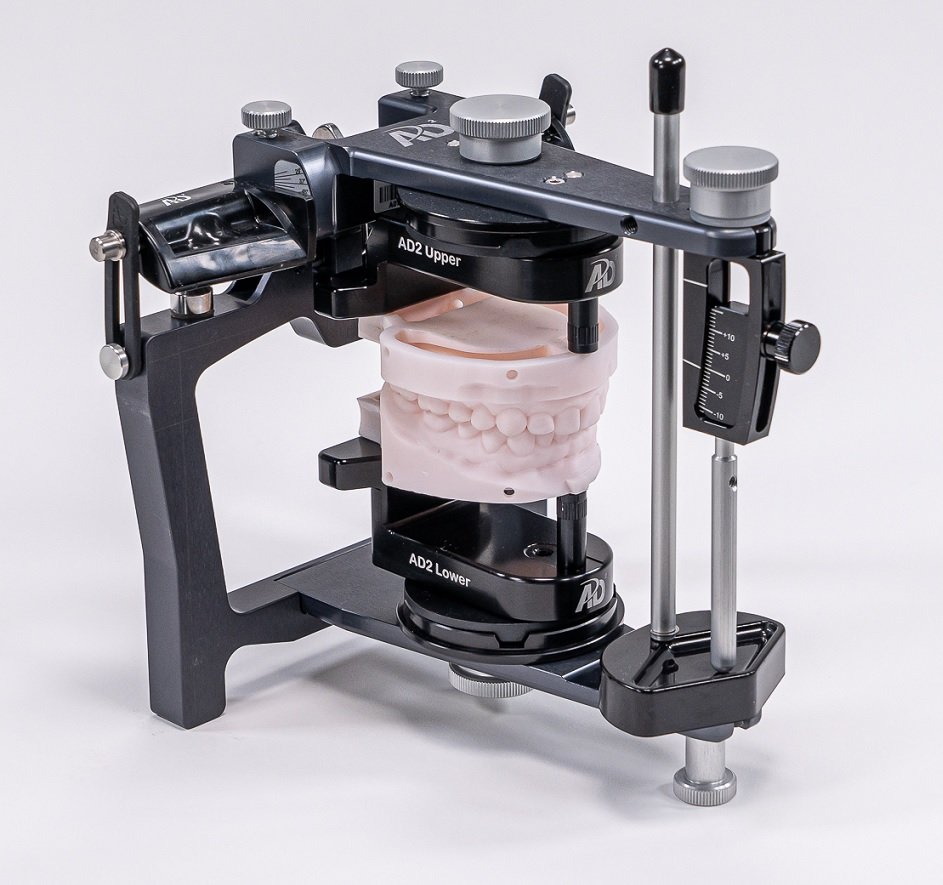
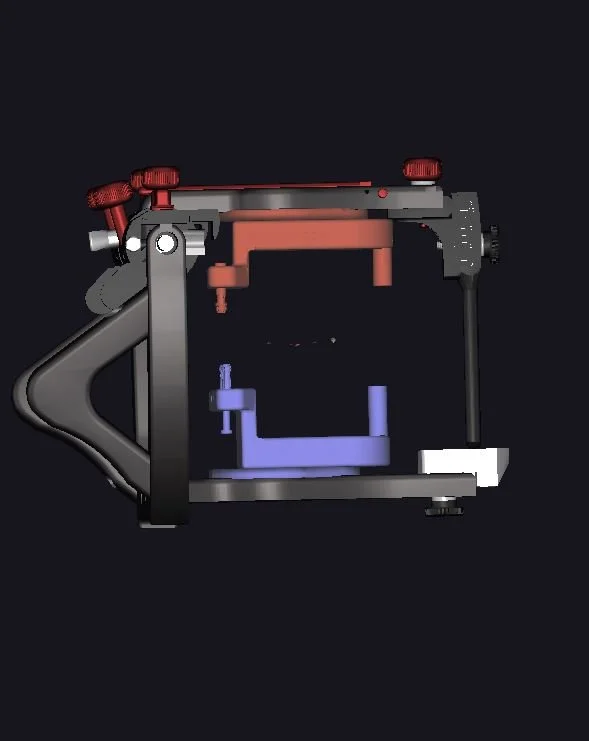
Digital transfer adapters allow you to mount 3D printed models without plaster on all Stratos 100, 200 and 300 articulators with Adesso magnetic bases
SKU: DP600250
For tips on printing models for use with the digital transfer adaptors, please click here.
exocad Users: If you’re doing average value (Kois 100mm) mounting, click here to download instructions for formatting and printing your models. Note that these instructions show the Artex articulator, but the methodology used for Stratos articulators is identical.
To download the attachment files that are added to the posterior of the models, click here. This version is unlocked, meaning the attachment files can be moved to any position needed on the screen.
To download the attachment files that are added to the posterior of the models, click here. This version is locked, meaning the attachment files will auto-position on the screen and attach to the modes. To see how this works, a video is available here.
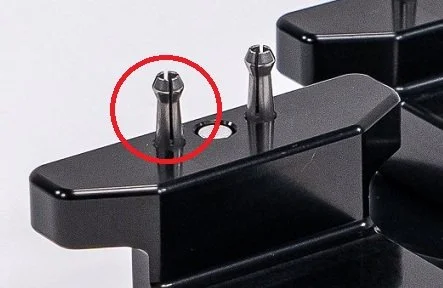
If you need STL files for the Stratos digital adaptors: for the upper adaptor, click here and for the lower adaptor, click here.
3Shape Users: If you’re doing average value (Kois 100mm) mounting, click here to watch an instructional video in 3Shape Model Builder. Once downloaded, use the Model Builder Control Panel to import the attachments. To follow this methodology, you need to download the model attachment file shown below:
Mesh Mixer Users: If you’re doing average value (Kois 100mm) mounting, click here to download instructions for formatting and printing your models.
Medit Users - If you’re doing average value (Kois 100mm) mounting, click here to watch an instructional video in Medit.
To download the attachment file for Medit, please click here.
To download the model attachments (the “tail” with two holes in the posterior), click here. (credit: The Kois Center)
Digital transfer adapters allow you to mount 3D printed models without plaster on all Stratos 100, 200 and 300 articulators with Adesso magnetic bases
SKU: DP600250
For tips on printing models for use with the digital transfer adaptors, please click here.
exocad Users: If you’re doing average value (Kois 100mm) mounting, click here to download instructions for formatting and printing your models. Note that these instructions show the Artex articulator, but the methodology used for Stratos articulators is identical.
To download the attachment files that are added to the posterior of the models, click here. This version is unlocked, meaning the attachment files can be moved to any position needed on the screen.
To download the attachment files that are added to the posterior of the models, click here. This version is locked, meaning the attachment files will auto-position on the screen and attach to the modes. To see how this works, a video is available here.
If you need STL files for the Stratos digital adaptors: for the upper adaptor, click here and for the lower adaptor, click here.
3Shape Users: If you’re doing average value (Kois 100mm) mounting, click here to watch an instructional video in 3Shape Model Builder. Once downloaded, use the Model Builder Control Panel to import the attachments. To follow this methodology, you need to download the model attachment file shown below:
Mesh Mixer Users: If you’re doing average value (Kois 100mm) mounting, click here to download instructions for formatting and printing your models.
Medit Users - If you’re doing average value (Kois 100mm) mounting, click here to watch an instructional video in Medit.
To download the attachment file for Medit, please click here.
To download the model attachments (the “tail” with two holes in the posterior), click here. (credit: The Kois Center)